
13 JUL 2026
Slow website: the 7 real causes (and what fixing them costs)
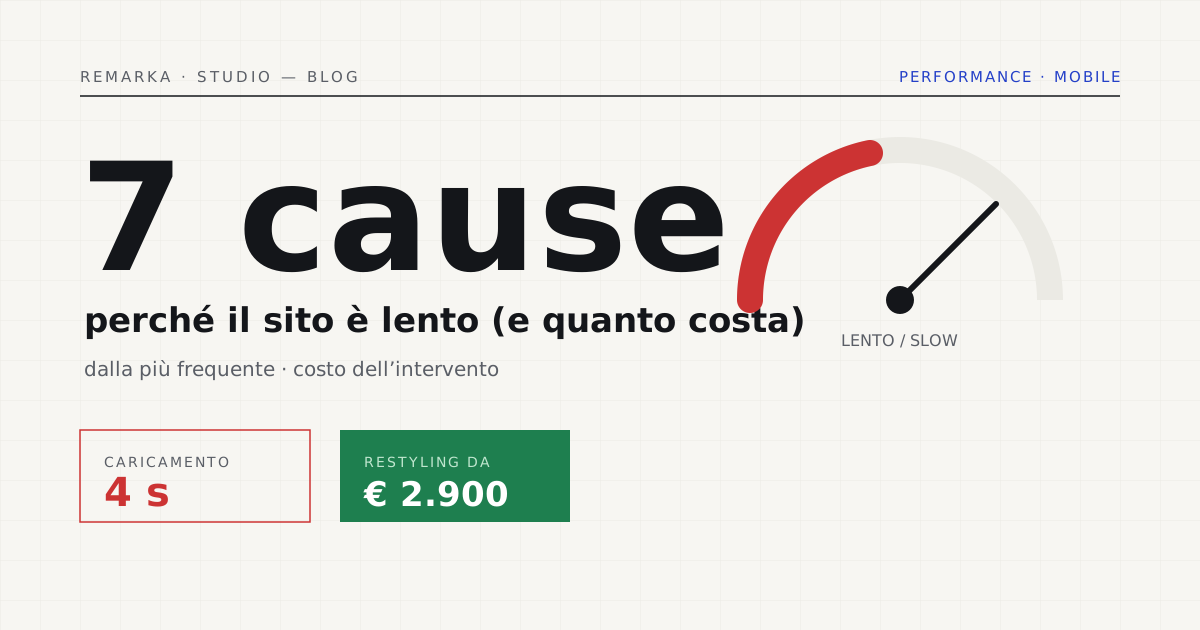
Four seconds of load time on mobile sounds like a technical detail. It isn’t: it’s the reason your campaigns bring visits that leave before reading the first line. After dozens of audits on Italian SMB websites, the causes of slowness are almost always the same seven — and not all of them are expensive to fix. Here they are, in order of frequency, with the order of magnitude of the fix.
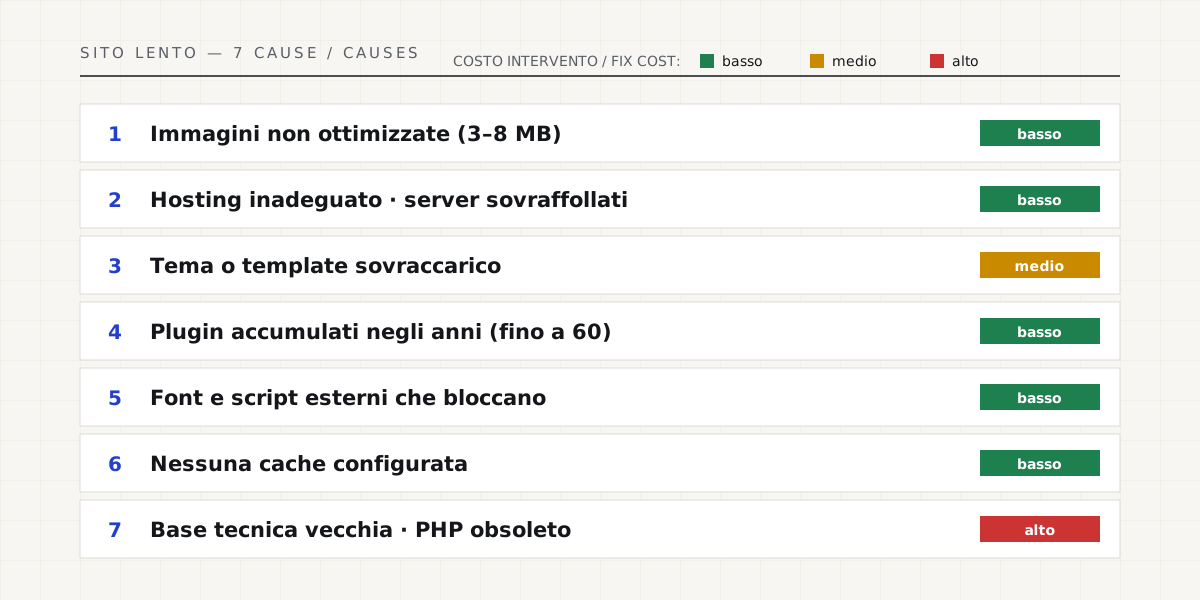
The seven causes, most frequent first.
What costs little and returns a lot.
The first two causes — images and hosting — can often be fixed within a day and can halve load times on their own. Modern compression (AVIF/WebP with progressive loading) cuts photo weight by 80% with no visible loss of quality: on its own, it’s often the single optimisation with the highest cost-to-benefit ratio in an audit.
Caching and plugin cleanup are the second step: half a day’s work, measurable results right away. The point is to measure before and after — not “the site feels faster,” but a documented number.
Why mobile speed matters: Web Vitals →
When a technical rebuild actually pays off.
If your site combines causes 3, 4, and 7 — heavy theme, layered plugins, aging foundation — optimizing piece by piece is like putting new tires on a blown engine: every fix costs money and the result stays mediocre. In these cases a technical rebuild (same content, new foundation, 301 redirects so rankings are not lost) starts at € 2,900 and takes the site above 90 on PageSpeed — guaranteed by contract, not promised.
Either way, the first step is free: measure your site with our speed test, or request the full analysis — a written report with causes, priorities, and a fixed-price quote.
What to do today, in half an hour.
Before spending a single euro, measure. Paste the address into our speed test and look at two things: the mobile score and which resources weigh the most. Nine times out of ten the culprit is already there, at the top of the list: a handful of enormous images, a theme that loads megabytes of useless code, or hosting that responds slowly. Knowing which of the seven causes affects you changes everything: some are solved in a day, others call for rebuilding the foundation.
The rule we always repeat: don’t trust “it feels faster”. Measure before, change one thing, measure after. A number that goes from 41 to 92 convinces the owner more than any report — and it tells you, in black and white, that the money spent paid off.
Measure your site’s speed now — for free →
If the foundation is old: technical restyling →
Sources.
The figures and claims in this article come from here. These are primary sources, not summaries: open them and check for yourself.
- web.dev — Web VitalsThe metrics Google uses to measure the perceived speed of a page.
- web.dev — Largest Contentful Paint (LCP)What the LCP is and why images and hosting move it more than anything else.
- HTTP Archive — Web Almanac 2024Aggregate data on page weight: where the web’s slowness really concentrates.
- Chrome UX Report (CrUX)The field data that tells a site that “seems fast” apart from one that’s truly fast.
Let’s talk about your website.
Free analysis of your current website; a fixed quote within 24 hours of the call.