
Free tool /03
Is your website GDPR compliant?.
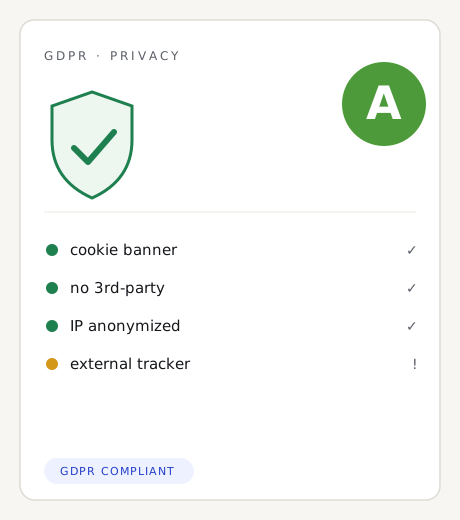
We check the cookie banner, privacy notices and trackers active before consent: four checks to see what’s missing. It’s an indicative check, not legal advice.
How it works
Three steps, no sign-up.
01
Enter the site address
We read the homepage from our server, the way a first-time visitor would.
02
Four automatic checks
We look for the cookie banner (CMP), links to the privacy and cookie policy, trackers loaded before consent, and external domains.
03
A traffic light, not a verdict
Each point is green, yellow or red: we flag the obvious issues, not a full legal audit.
The method
What this cookie compliance check actually verifies.
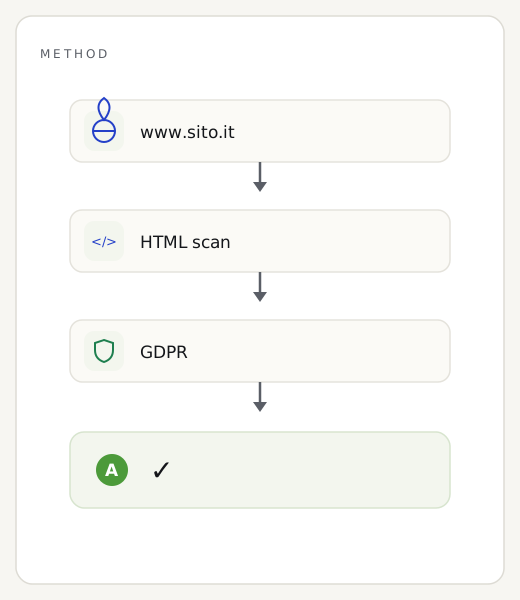
Unlike the Google-based tests, here it’s our own server that reads your website’s home page, exactly as a visitor would see it on first landing, before any click. On that HTML we run four automatic checks: we look for the cookie banner (the CMP: Iubenda, Cookiebot, Complianz and similar tools), links to the privacy and cookie policies, tracking tools that fire before consent, and the external domains the page calls.
Let’s say it upfront, because it matters: this is not legal advice. It’s an indicative technical check that catches the obvious problems — the ones Italy’s Data Protection Authority challenges most often — but it doesn’t replace a privacy consultant. It doesn’t see what happens after the user accepts, doesn’t evaluate your consent records, and doesn’t examine your policies line by line. It’s a great starting point to see where to act, not a certificate of compliance.
Reading the result
How to read your compliance traffic light.
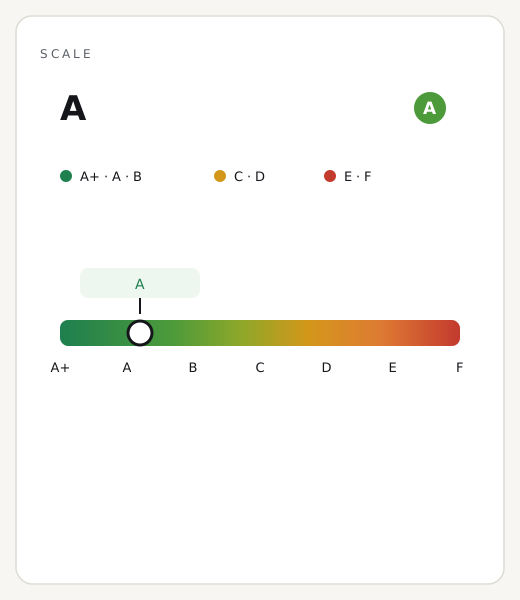
Every checkpoint gets a colour, and the colour should be read for exactly what it is. Green: the signal is present and correct. Yellow: something is there but needs a manual check — a policy that exists but might be incomplete, for instance. Red: an important element is missing or, worse, there are active trackers with no banner governing them. The overall picture matters more than any single dot.
The most common red flag on Italian websites is “trackers without a banner”: Google Analytics or the Meta Pixel firing in the initial HTML, before the user has said yes. It’s also the mistake Italy’s Data Protection Authority penalises most decisively. A yellow, on the other hand, is usually not an emergency: often it just takes completing or updating a policy that’s already there.
Why it’s worth showing
The GDPR badge: trust you can see, not just claim.
Privacy seals are an established category — TrustArc, OneTrust and Cookiebot have used them for years because they work: someone landing on an e-commerce site or a contact form checks, often without realising it, the privacy signals before leaving an email or a card number. A tidy banner, a clear policy: the badge makes them visible even to people who never read them line by line. Let’s say it with the same honesty as the tool itself: it’s a snapshot of 4 automated technical checks, not a legal certificate of compliance — no badge replaces a privacy consultant, but a “4/4” on display is a signal of care that visitors notice.
<a href="https://remarka.biz/en/tools/gdpr-check/" target="_blank" rel="noopener">
  <img src="https://remarka.biz/wp-admin/admin-ajax.php?action=remarka_badge&t=gdpr&c=good&p=good&tr=good&e=warn&d=2026-07&th=dark&l=en"
       alt="GDPR checks passed — verified by Remarka" width="160" height="59" loading="lazy">
</a>
Three common questions
Is this legal advice?
No, and it’s important to say so: this is an indicative automatic check, not legal advice. It flags the obvious technical issues; full compliance should be assessed by a privacy consultant.
What does “trackers without a banner” mean?
That the page’s initial HTML already contains tracking tools (Google Analytics, Meta Pixel and similar) active before the user consents. It’s the most common red flag on Italian websites.
Why is Italy’s data protection authority so strict on cookies?
Because consent must be free, informed and provable: refusing must be as easy as accepting, and no advertising tracker can fire before the user says yes.
How to improve
How to bring your consent and cookies up to standard.
Practical compliance is built from a handful of measures, but every one of them has to be respected.
01
Install a CMP that actually blocks trackers
A proper banner shouldn’t just appear: it has to stop trackers from firing until the user has accepted. That’s the difference between looking compliant and being compliant.
02
Make refusing as easy as accepting
The “Reject” button must carry the same visual weight as “Accept”, on the same screen: no cookie walls, no obstacle course for saying no.
03
Publish complete policies
Clear, up-to-date privacy and cookie policies that are easy to find: they need to state what you collect, why, and who you share it with.
04
Make consent provable
Keep a record of every consent — when, for what — so you can show it if asked: the yes has to be freely given, informed and traceable.
05
Load trackers only after the yes
Analytics, pixels and heatmaps should only activate after acceptance, conditionally: before consent, the page has to stay clean.
Want us to bring the website into compliance?
A compliant banner, notices and consent flow, included in every business website we deliver.
Guides & insights
The other free tools