
08 APR 2026
Compliant cookie banners: the Garante’s 2026 checklist
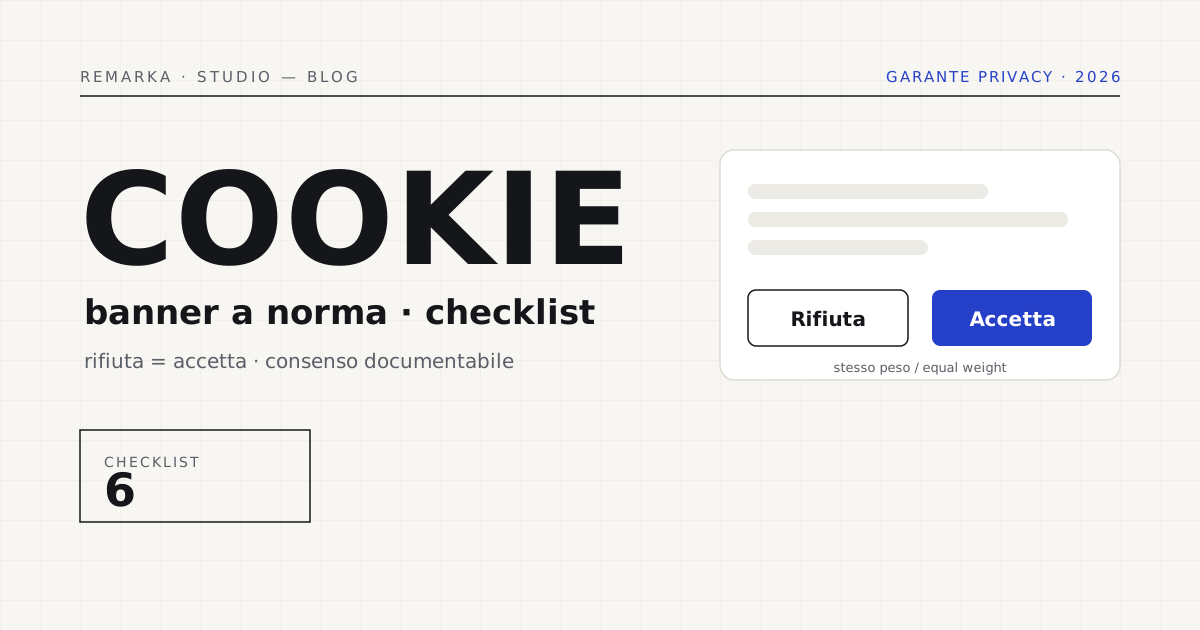
Open ten Italian websites at random and count: on at least seven the “Reject” button is hidden, tiny, or missing altogether. This is exactly the point on which the Garante Privacy has stopped turning a blind eye. The rule is simple — “Reject” must carry the same weight as “Accept”, and consent must be documentable — but it’s ignored by most of the banners we analyze. Here’s the point-by-point checklist we use to vet a site, and how we build our banners so they’re compliant from day one.
The Garante’s rules, in plain terms.
There’s just one principle: consent to non-essential cookies must be a free choice. From this follow the practical rules of the Garante and the European guidelines. “Reject” must have the same visual weight as “Accept”: same color, same size, same distance from your finger. Closing the banner with the X counts as rejecting, not accepting. No profiling cookie can fire before the person has said yes. And consent must be stored, so you can prove it if anyone asks.
The checklist, point by point.
These are the checks we run on every site before saying whether the banner is compliant. Run them on yours: five minutes is enough.
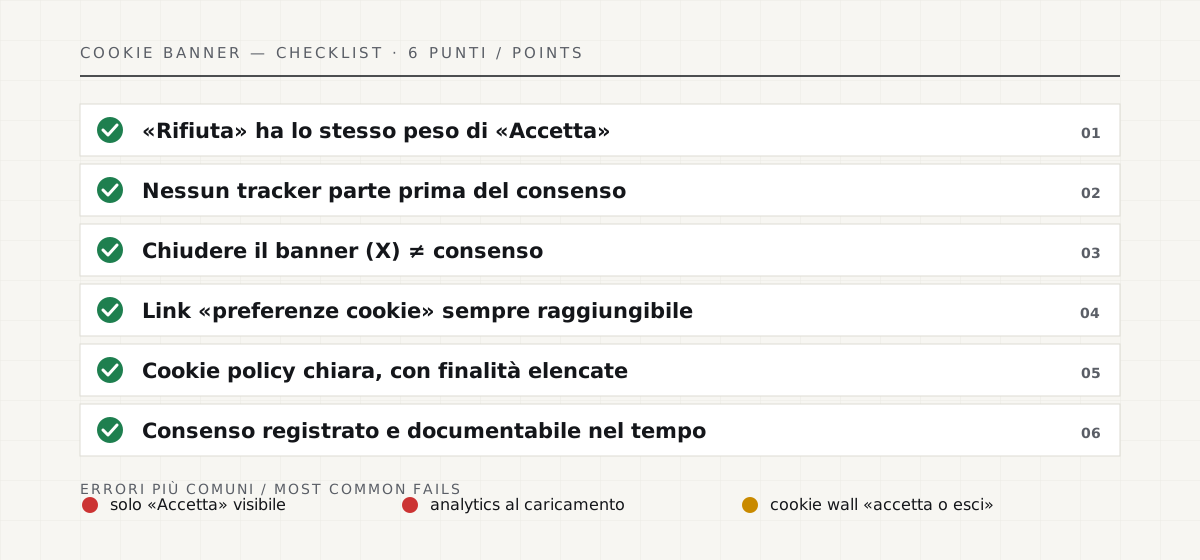
The mistakes we find most often.
Three mistakes come up almost every time. The first: a banner with only “Accept” clearly visible and rejection buried in a submenu — it’s the most common violation and the easiest to challenge. The second: analytics that fire on load, before any click, because they were installed “on the fly” years ago and never touched again. The third: the cookie wall, i.e. “accept or you don’t get in”, which apart from rare cases is not a free choice and therefore not valid consent.
Then there’s a fourth mistake, subtler: the “fake-compliant” banner, with two equal-weight buttons but the profiling cookies firing on load anyway, under the hood. At a glance it looks fine; just open the browser’s developer tools to see the trackers active before any click. It’s the case our indicative check catches most often.
How we build a compliant banner.
In our sites the banner is compliant from the start: two equal-weight buttons, no scripts before consent, preferences you can change at any time, and a consent log. It’s not a plugin stuck on at the last minute, it’s part of the project. And if you already have a site, the check is the first step: our indicative check tells you in a minute whether the banner, policy, and trackers are in order — then, if needed, we fix it.
What to do in half an hour, today: open the site in an incognito window, check whether “Reject” is as visible as “Accept”, and with the developer tools check whether any tracking scripts fire before you make any choice. If either one is off, you’ve already found your priority. It won’t solve everything, but it tells you whether you’re in the at-risk majority or the compliant minority.
Check your site’s cookies and trackers for free →
Privacy and compliance are part of technical SEO →
Sources.
The figures and claims in this article come from here. These are primary sources, not summaries: open them and check for yourself.
- Garante Privacy — cookie guidelinesThe Italian rules on banners and consent: the direct source of the checklist.
- EDPB — cookie banner taskforce reportThe European document that standardizes what is and isn’t allowed in a banner.
- Regulation (EU) 2016/679 — GDPR (EUR-Lex)The text of the GDPR: the legal basis for free, specific, and documentable consent.
Let’s talk about your website.
Free analysis of your current website; a fixed quote within 24 hours of the call.