
17 MAR 2026
Migrating off WordPress without losing your Google rankings
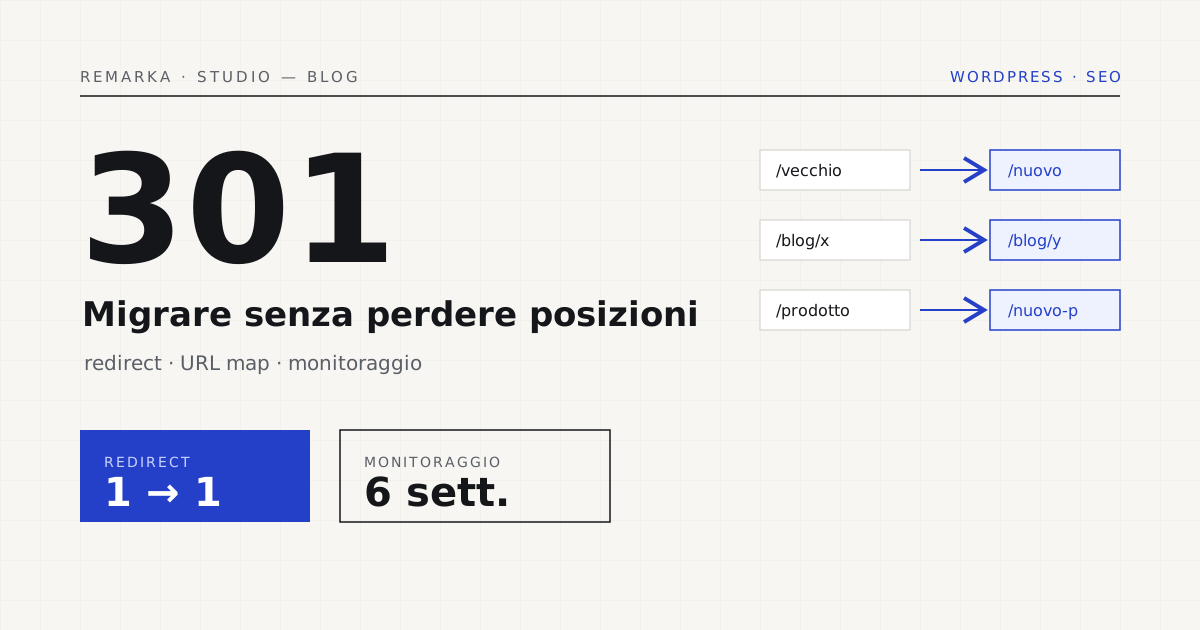
There’s a moment, in every rebuild, when the new site goes live and the old one disappears. If someone got the redirects wrong, in that moment years of Google ranking disappear too — and you notice two weeks later, when inquiries drop and no one knows why. Migrating from WordPress without losing your rankings isn’t luck: it’s a protocol. We show you the audit, the URL map, and the 301 redirects we apply before every migration, what we monitor in the first six weeks, and a case where traffic didn’t move by a single point.
What you really risk in a migration.
Google knows your pages by their current addresses. Change structure, domain, or platform without telling it the right way, and to Google half the site “has vanished”: the old pages return errors, the positions earned over years evaporate, and organic traffic drops right as you’re celebrating the new site. It’s not a technical curse: it’s almost always the result of missing or wrong redirects.
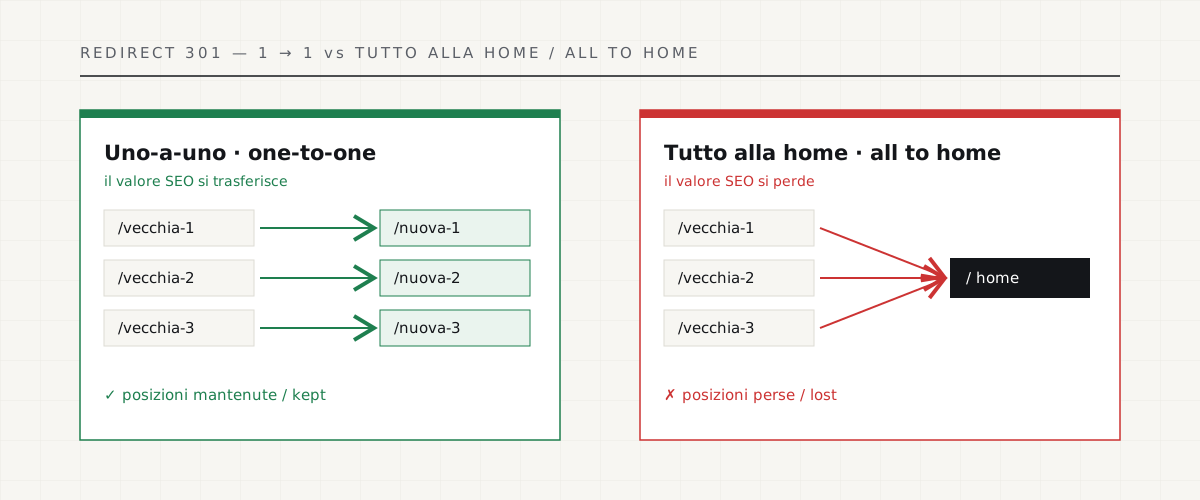
The most common and most costly mistake has a name: the “everything to the homepage” redirect. Out of haste or laziness, every old address is pointed to the new site’s homepage. To Google this is almost like deleting those pages: the accumulated value isn’t transferred, and the rankings slip. Every old page must point to its new equivalent, one by one.
The protocol before the switch.
A safe migration is prepared before touching anything. The real work is here, not on launch day.
The first six weeks after.
Launch isn’t the end, it’s the start of monitoring. In the first six weeks Google recrawls the site and recalculates rankings: a small settling is normal, a collapse is not. We keep an eye on crawl errors, pages losing rankings, redirects that don’t work, and we fix them the same day. It’s the difference between a three-day dip and a problem that drags on for months.
A real case.
On a site with years of local ranking, the migration to a new technical foundation went through with organic traffic unchanged: same rankings, same leads, more speed. No miracle — just the protocol, applied with patience. If you’re thinking about a rebuild or a platform change, the time to talk about it is before, not after the first drop.
What to do before saying yes to a migration: ask whoever proposes it whether they prepare a one-to-one URL map and a 301 redirect plan before launch, and whether they monitor rankings in the weeks after. If the answer is vague, the risk is yours, not theirs. A well-done migration is invisible — and that’s exactly the point: traffic carries on as if nothing happened.
Restyling and migration without losing rankings →
Get your site’s check-up before migrating →
Sources.
The figures and claims in this article come from here. These are primary sources, not summaries: open them and check for yourself.
- Google — site moves with URL changesThe official procedure for a migration that doesn’t lose rankings.
- Google — redirects and Google SearchHow to set up 301 redirects so Google transfers the value of the old pages.
- web.dev — Web VitalsAfter the migration, speed has to be re-measured: these are the metrics Google looks at.
Let’s talk about your website.
Free analysis of your current website; a fixed quote within 24 hours of the call.